
Now, the mesh can be refined. To do this, go to "Mesh(x/y)/(Refine)All" and press button "3" once.
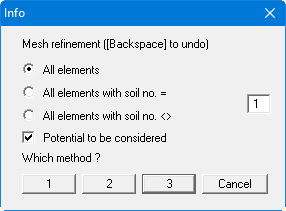
You should now save all your data using the menu item "File/Save as" (see "Ex. step 02 Mesh 1x refined.f3d" file).
Local refinement will be performed in the region of the weak spot. Go to "Mesh(x/y)/(Refine)Section". Press button "3" and travel with the mouse around the weak spot, so that a total of six rectangles with two triangles each are included (see the following figure).
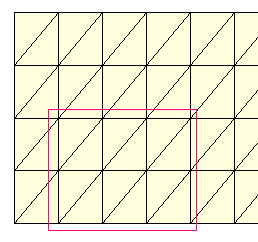
The six rectangles consist of the rectangle representing the weak spot and the five neighbouring rectangles.
Now go to "Mesh(x/y)/Optimise" and then press the "Diagonals" button. This is not a necessity but tends to generate a numerically more favourable mesh. The system should now look exactly like the system in the supplied "Ex. step 03 Mesh section refined.f3d" file.