
You can define a maximum of 40 berms on the active side.
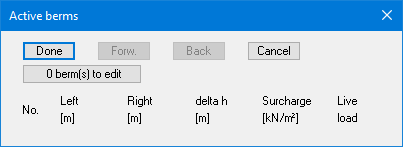
Click on the “0 berm(s) to edit” button and enter the desired number of berms.
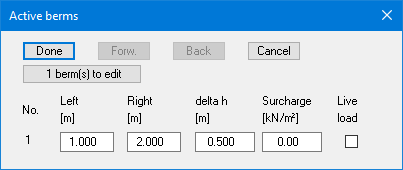
Enter the x-ordinates of the toe and head of the berm. With "delta h" you define the height of the berm; whereby negative values are also permitted. Finally, a "Surcharge" on the horizontal surface behind the head of the berm can be entered. This can be defined as a live load.
If berms already exist, you can delete existing berms by entering a “0”.
Berms may not overlap. The program checks that this condition is adhered to and warns of any errors.