
All necessary input is now complete and you can start the analysis. It may be necessary to optimise the bandwidth first.
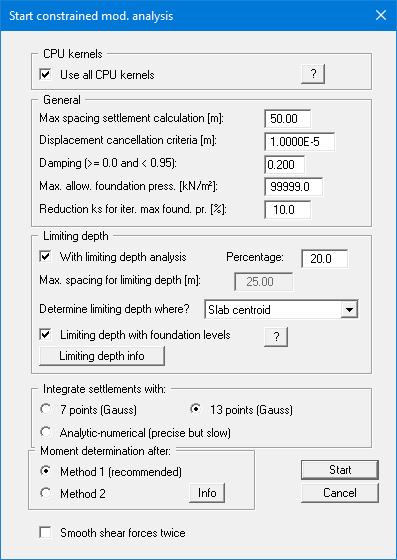
You do not need to alter anything in the start dialog box. A detailed description can be found in the corresponding menu items. When analysis is complete you will initially see a message box. After this final message you can evaluate the system as described in the examples and the explanations for the items of the "Evaluation" and "Special" menus.