
Using this menu item it is possible to edit values or to add and delete values. To do this, switch to diagnosis mode. Go to the "Evaluation/Diagnosis" menu item.
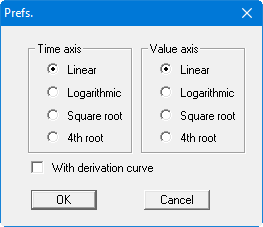
Then go to the menu item "Edit/Graphically".
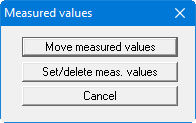
Now select the type of modification needed. You can then move, set or delete the values. Refresh screen with the [F2] function key in between.