
Use this menu item to study a point on your curve in more detail. Click on the data point with the left mouse button. A message window opens, as shown in the following example for point no. 415. Close the window using the "OK" button.
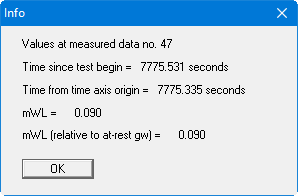
Use this menu item to study a point on your curve in more detail. Click on the data point with the left mouse button. A message window opens, as shown in the following example for point no. 415. Close the window using the "OK" button.