GGU-LATPILE: "Design defaults" menu item
Once the current system has been analysed you can progress directly to the pile design (see menu item "System/Analyse"). In addition, using this menu item, you can also carry out subsequent design for a different section to that used for the analysis.
When designing a steel pile, the following dialog box opens containing two options for selecting the section:
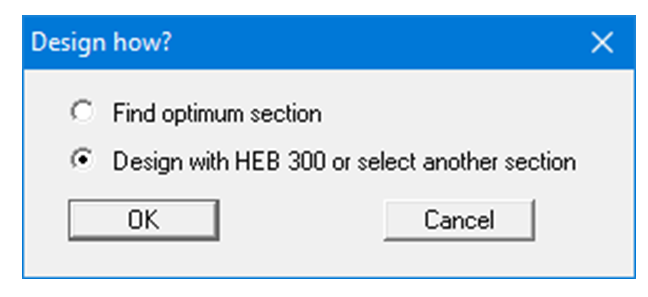
You can search for the optimum section in the section list (see the example in Section “Step 10: Analyse system”). By activating the bottom option, the analysis is performed using the previously selected design section. However, in the subsequent dialog box you can also select a different design section.
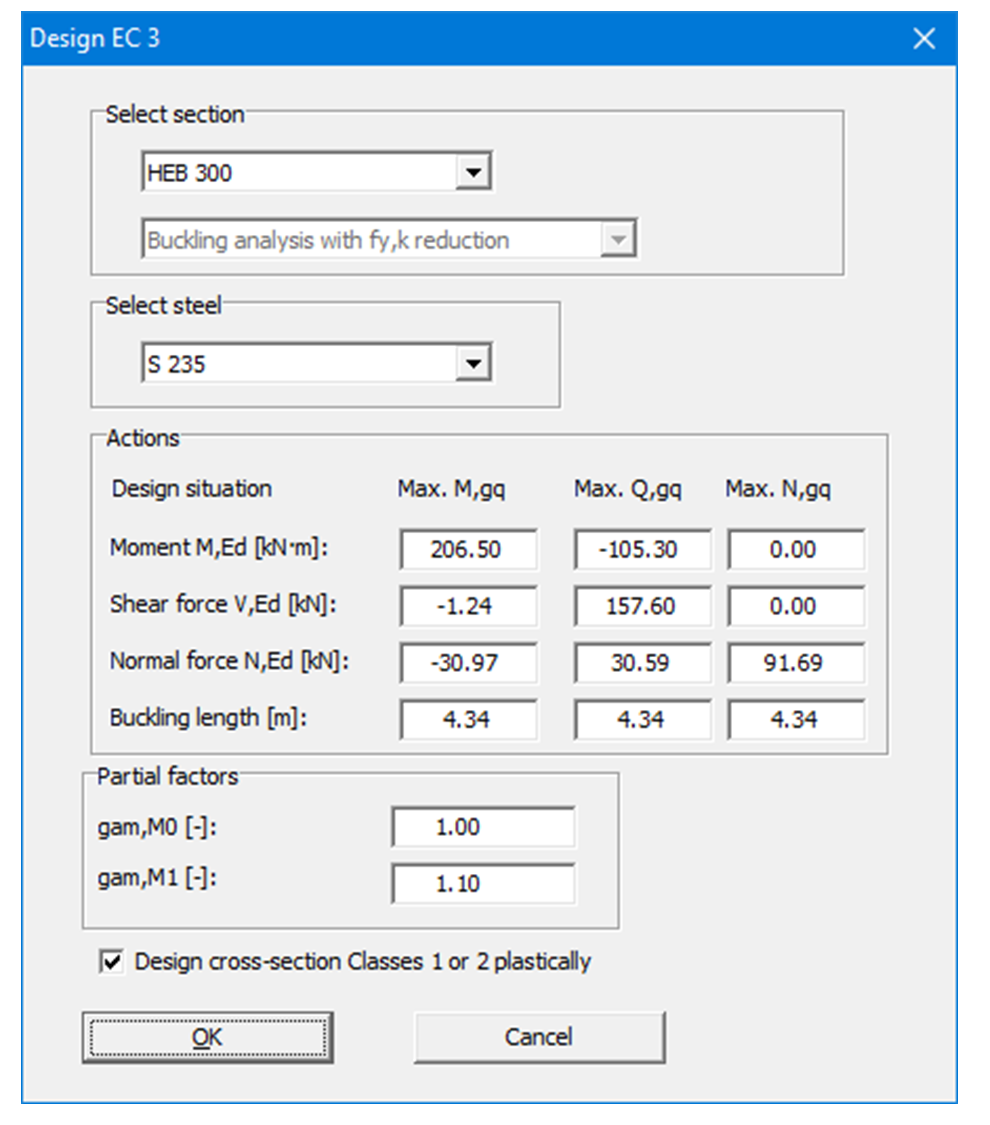
When design is complete you are informed of the verification results in an information box and are presented with the principal data on which the design was based. After confirming with "OK", the state variables and the system are presented on the screen.
Factor kf for bored piles
According to EN 1992-1-1, 2.4.2.5 (2), the partial factor γc for cast-in-place bored piles may have to be multiplied by a factor kf. The program uses kf = 1.0. This corresponds to the German rule according to DIN EN 1992-1-1/NA (see also EAB) for bored piles constructed in accordance with EN 1536. If the relevant National Annex requires kf > 1.0, enter the value γc · kf for "γ (Concrete)" under "Partial safety factors for materials" in the design dialog box, e.g. 1.65 for γc = 1.50 and kf = 1.1.