
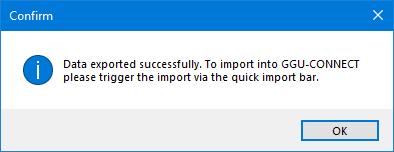
Once you have entered and, if necessary, analysed your data, you can copy the data to the Windows clipboard by clicking on this menu item and then add it to your project in GGU-CONNECT. You will receive the following message:
Once you have entered and, if necessary, analysed your data, you can copy the data to the Windows clipboard by clicking on this menu item and then add it to your project in GGU-CONNECT. You will receive the following message: