
Using this menu item you can enter or edit the default text on your output sheet. If you save the "GGU-SLUGTEST.alg" file containing the preferences at the same level as the program, they will be used automatically when the program is started.
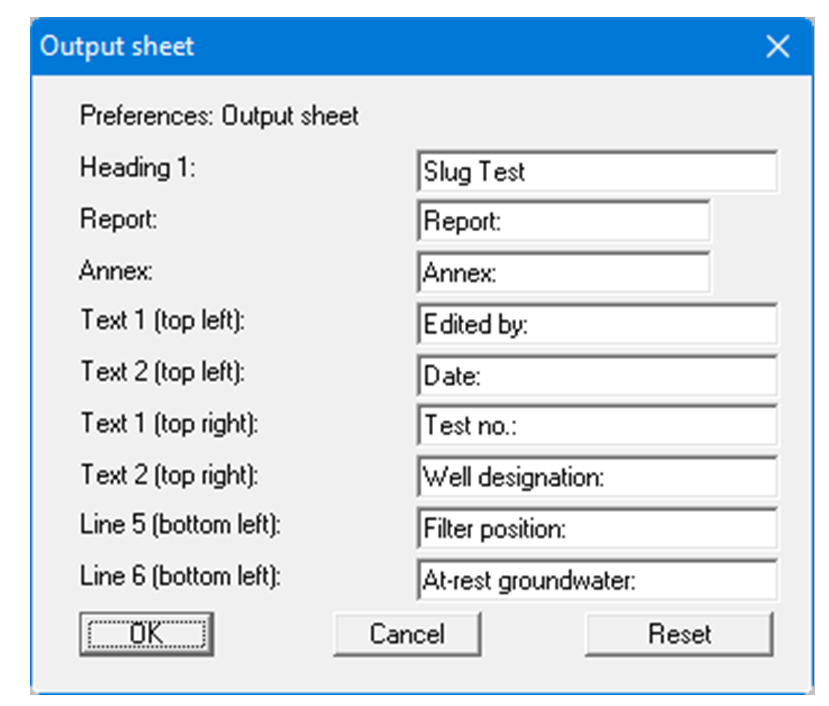
Your input in the fields "Text 1" to "Line 6" of the above dialog box, as well as the input for "Report:" and "Annex:" also represent the designations for the appropriate input boxes in the "Edit/Test designations" and "Edit/General" menu items dialog boxes. Use "Reset" to restore the default labelling settings.