
After selecting this menu item or pressing the [F6] key, you will see a message box containing governing system analysis variables. If analysing using "General load cases", the result of the load case with the greatest steel utilisation is shown.
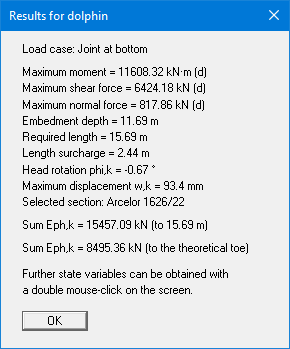
You are also informed that double-clicking the left mouse button (after you have closed the message box) on any part of the graphics will cause the corresponding state variables to be shown on screen.