
If you have defined pipes with material numbers using "Boundary/Define pipes" you can display the results using this menu item. First, a dialog box opens for selecting between display of potentials, gradients, velocities or discharges.
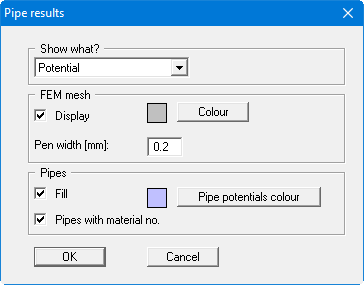
You can specify further general display preferences in the same dialog box. If you confirm the input with "OK", a special dialog box for the selected variable follows. After confirming the input with "OK", the results are displayed on the screen.