
For optimisation of rectangular excavations, only an even number of wells can be created. Uneven numbers of wells are allowed for excavations bounded by a polygon. If you would like to test whether a smaller, odd number of wells is feasible, select the menu item "Edit/Preferences" again and click on the "Polygonal" button in the type of installation dialog box. A prompt appears:
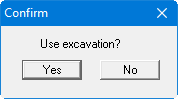
Accept your previous excavation settings with "Yes" and then select the "System/Optimise" menu item once again. After clicking the "Number of wells" button a slightly different dialog box opens:
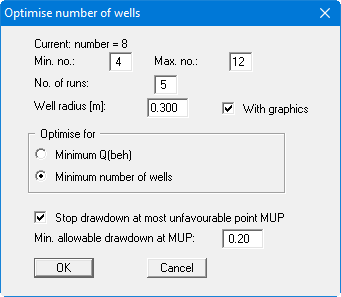
As for excavations bounded by a polygon, generally, a differentiation between long and wide side can no longer be made, the wells will be distributed around the excavation with a constant distance to each other. Using "No. of runs through", the position of well no. 1 can be influenced. The result of the optimisation is now:
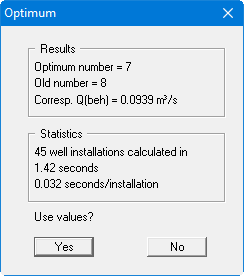
The number of wells has been reduced to '7'. Confirm the result with "Yes" and recalculate the optimised installation.