
With this menu item, you can get an overview on the position of all boundary conditions.
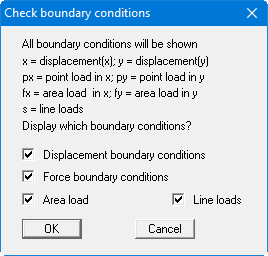
The boundary conditions selected in the dialog box are drawn using the declared letter at the nodes for which you have entered boundary conditions.
With this menu item, you can get an overview on the position of all boundary conditions.
The boundary conditions selected in the dialog box are drawn using the declared letter at the nodes for which you have entered boundary conditions.