
Absolute heights can be adopted using this menu item, if you have not already done this in menu items "File/New" or "Constrained mod./Preferences". Enter the new ground level elevation. You can modify the designation for the absolute elevation (here: m AD) in the above menu items.
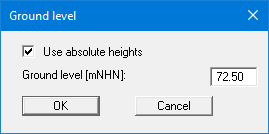
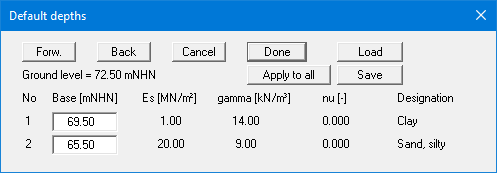
After leaving the dialog box using "OK", the new ground level is shown in the "Constrained mod./Default depths" dialog box. The previously entered layer bases are automatically converted to absolute depths by the program.
Also in the legend of the slab material, the height is automatically converted to the new ground level when displaying a foundation level.
