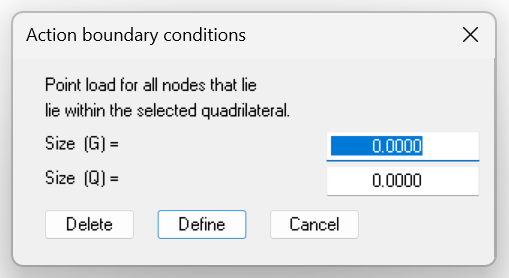
In accordance with the previous menu item, you can assign or delete an action boundary condition to several FE nodes in a section at the same time.
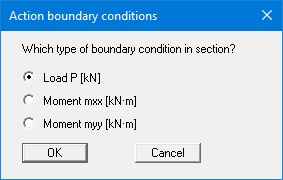
First select the type of action boundary condition. Then click four points in a counter-clockwise direction with the left mouse button. The right mouse button resets the selected points. The definition applies to all nodes in the quadrilateral. A dialog box appears in which you select the desired action.