
To enter a gauge casing directly on the stratigraphic log the two check boxes "Show backfill" and "Show casing" must first be activated in the stratigraphic log's general editor box. These are deactivated by default. The layers can then be defined by pressing the "Backfill" and "Casing" buttons.
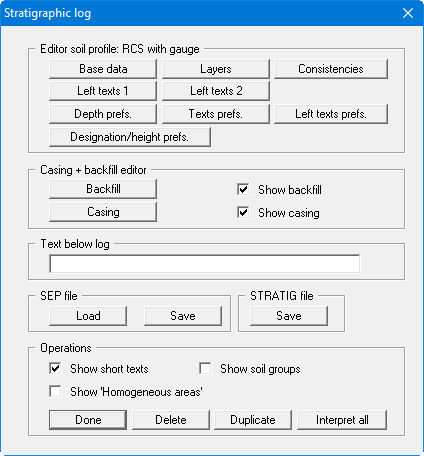
Visualisation of a backfill or casing can be switched off by deactivating the respective check box, without deleting the input data.