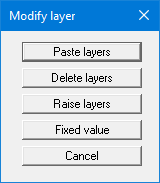
After clicking this menu item, the following dialog box appears:
-
"Paste layers"
A new layer can be defined by dividing an existing layer in all constrained modulus profiles. The depth range of the selected layer is divided between 2 new layers. The final depth of the constrained modulus profile thus remains neutral. The soil properties of the selected layer will be adopted for both layers. -
"Delete layers"
You can select a layer that you want to delete. -
"Raise layers"
A layer can be selected and raised or lowered by a given amount. This action applies to all constrained modulus profiles. -
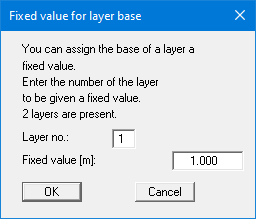
"Fixed value"
A selected layer can be retroactively assigned a given depth in all constrained modulus profiles.