
After clicking the "Column headings" button you will see the following dialog box, for example, depending on the number of columns defined in the base data:
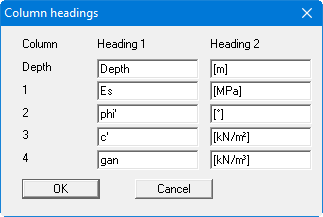
The "Depth" column is always present whether it is subsequently displayed or not. The input under "Heading 2" is displayed in a second row within the heading row in the table. Use the input by pressing "OK".