
The system entered above has a rather coarse mesh. Although you could now analyse the existing system, carry out a mesh refinement first. Go to the menu item "Mesh/(Refine) All" and confirm by clicking button "3".
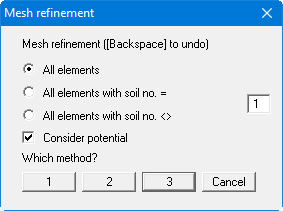
Go through this procedure a second time. You should now have a system with 272 triangles and 163 nodes. You can check this by going to the "System/Info" menu item. Go to the "Mesh/Optimise" menu item and then click the "Topology" button.