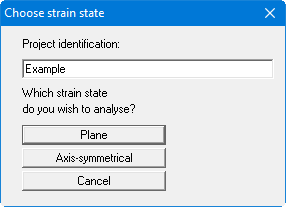
GGU-ELASTIC: Step 1: Program preparation Start the program and select the menu item "File/New". Select the "Plane" button from the dialog box.