
Go to the "z/Individual depths" menu item in order to assign the five nodes the values for top of aquifer and base of aquifer. Double-click the bottom left node and enter the following data:
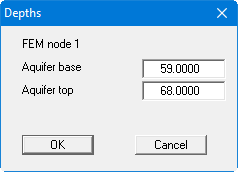
The node at the top left is given the same values.
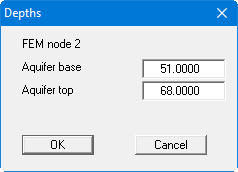
The two right-hand nodes are given the following values:
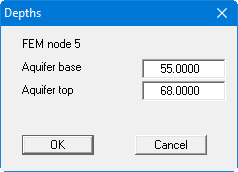
The central node is given the following values:
Check your input using the menu item "z/Layer boundary contours". Select the "Aquifer base" button in the dialog box.
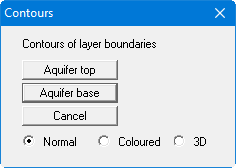
If the aquifer base has been input correctly the contour lines should fall off towards the right.