
Go to the menu item "System/Soil properties" and enter the values of the dialog box.
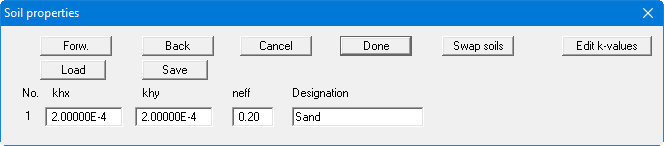
All triangular elements are assigned soil number 1 when the FEM mesh is automatically generated. The dialog box therefore only contains one row for one soil.
Go to the menu item "System/Soil properties" and enter the values of the dialog box.
All triangular elements are assigned soil number 1 when the FEM mesh is automatically generated. The dialog box therefore only contains one row for one soil.