
Using this menu item, you can define the appearance of the FEM mesh on the screen. The element no. and the material no. cannot be displayed simultaneously.
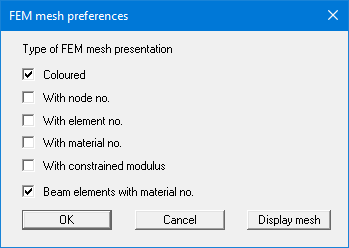
The "Display mesh" button produces a direct representation of the FEM mesh using the selected preferences.
If the FEM mesh representation does not fill the screen, point to the "Auto-resize" menu item in the "Page size + margins" menu or press [F9].